
Step 1. Log into Pathway and click on the "Student Center".
After you log into Pathway at https://umkc.umsystem.edu/, there is a link to navigate to your Student Center.
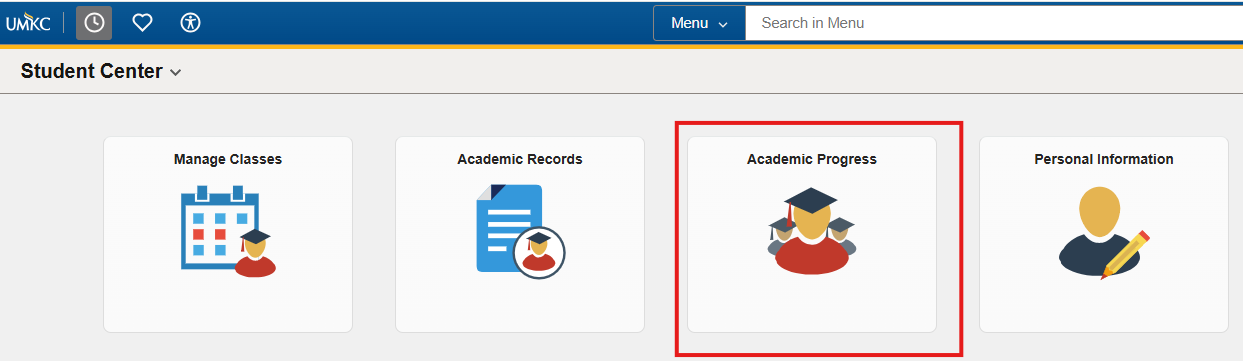
Step 2. Click the "Academic Progress" tile.
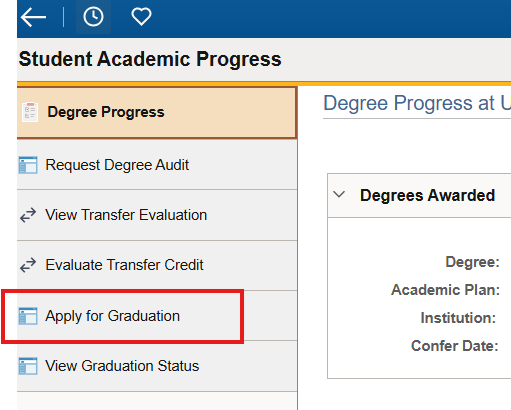
The "Academic Progress" tile has a left-hand navigation menu that contains a link to "Apply for Graduation". Click that link.
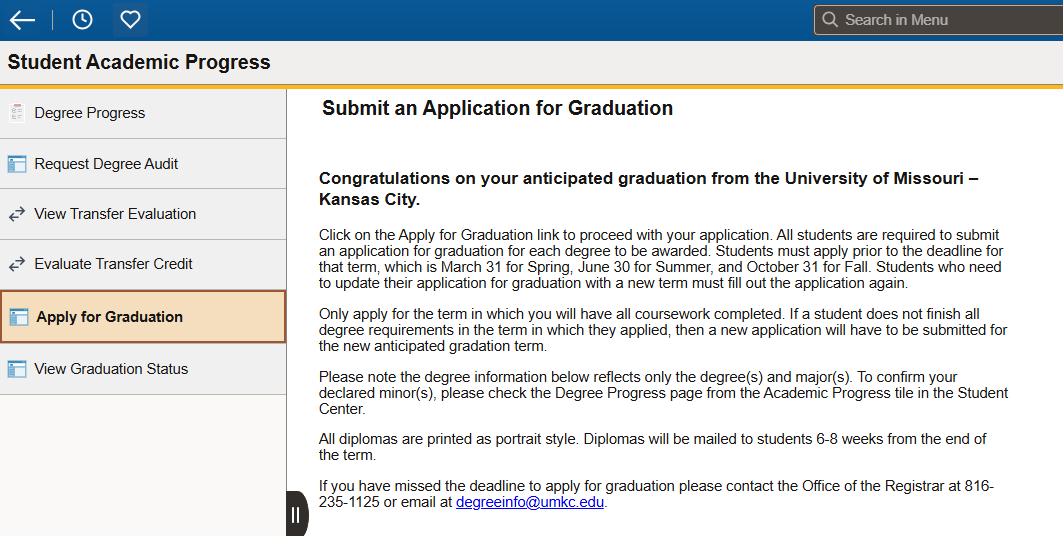
Step 3. Read the information and follow the next steps.
The application contains information to read, then you can follow the steps on that page to submit all necessary applications for graduation. Note that there may be more than one.
Step 4. Look for the "Submit Confirmation" screen.
You have successfully submitted your Application for Graduation when you see a screen that says "Submit Confirmation". If you do not see this screen after you submit your application, please contact your academic advisor.